Automatic transcription
Desktop Call Recorder turns your recorded calls into text you can read and search. Transcription runs on your own computer, like the recording itself. Your call audio is not sent to any transcription service.
How it works
- Record a call as usual. Nothing extra is needed.
- Transcribe it: press Transcribe on the recording, or let it happen automatically (see below).
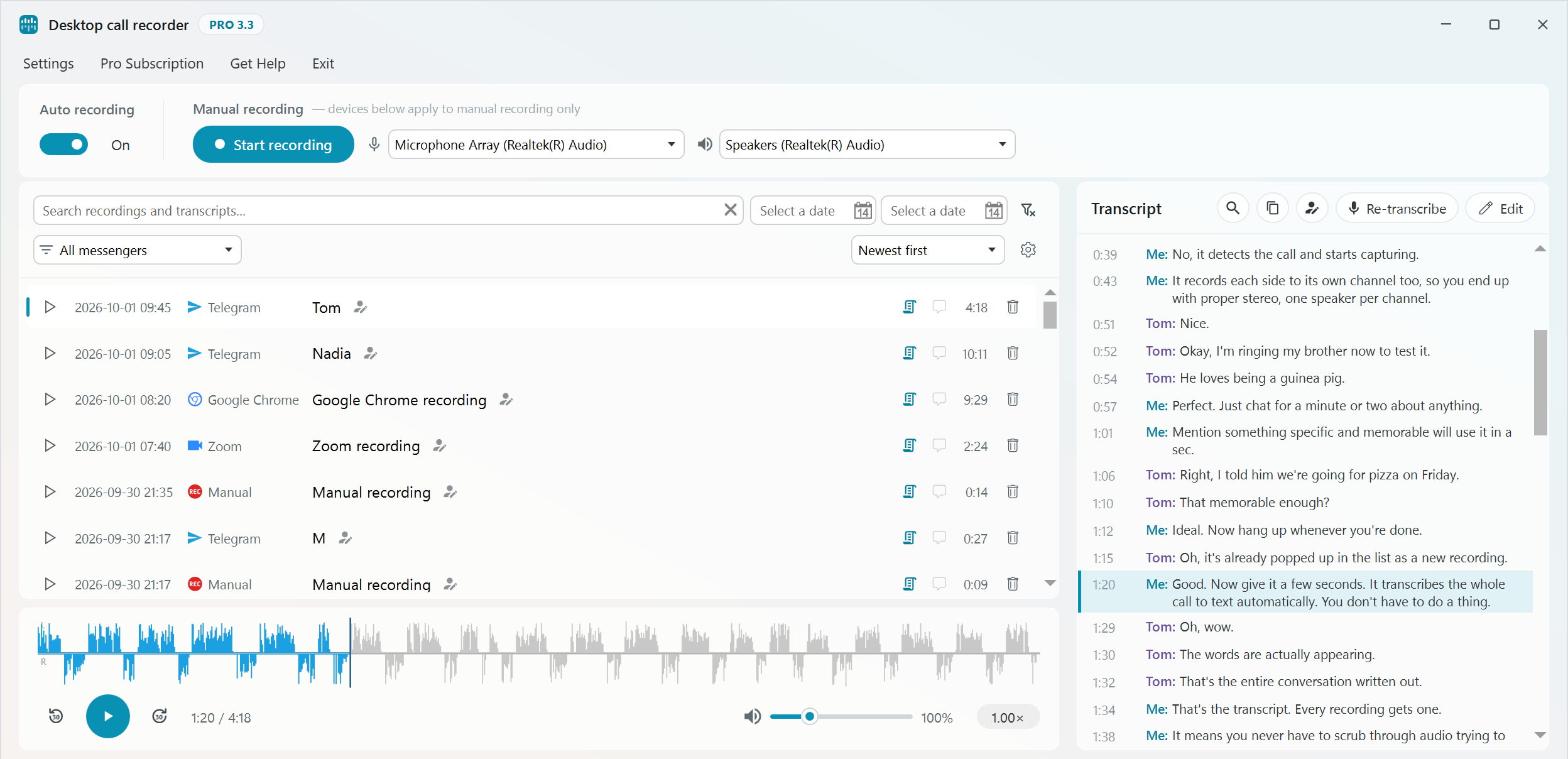
- Select the recording to read the transcript next to the player.
Automatic or manual
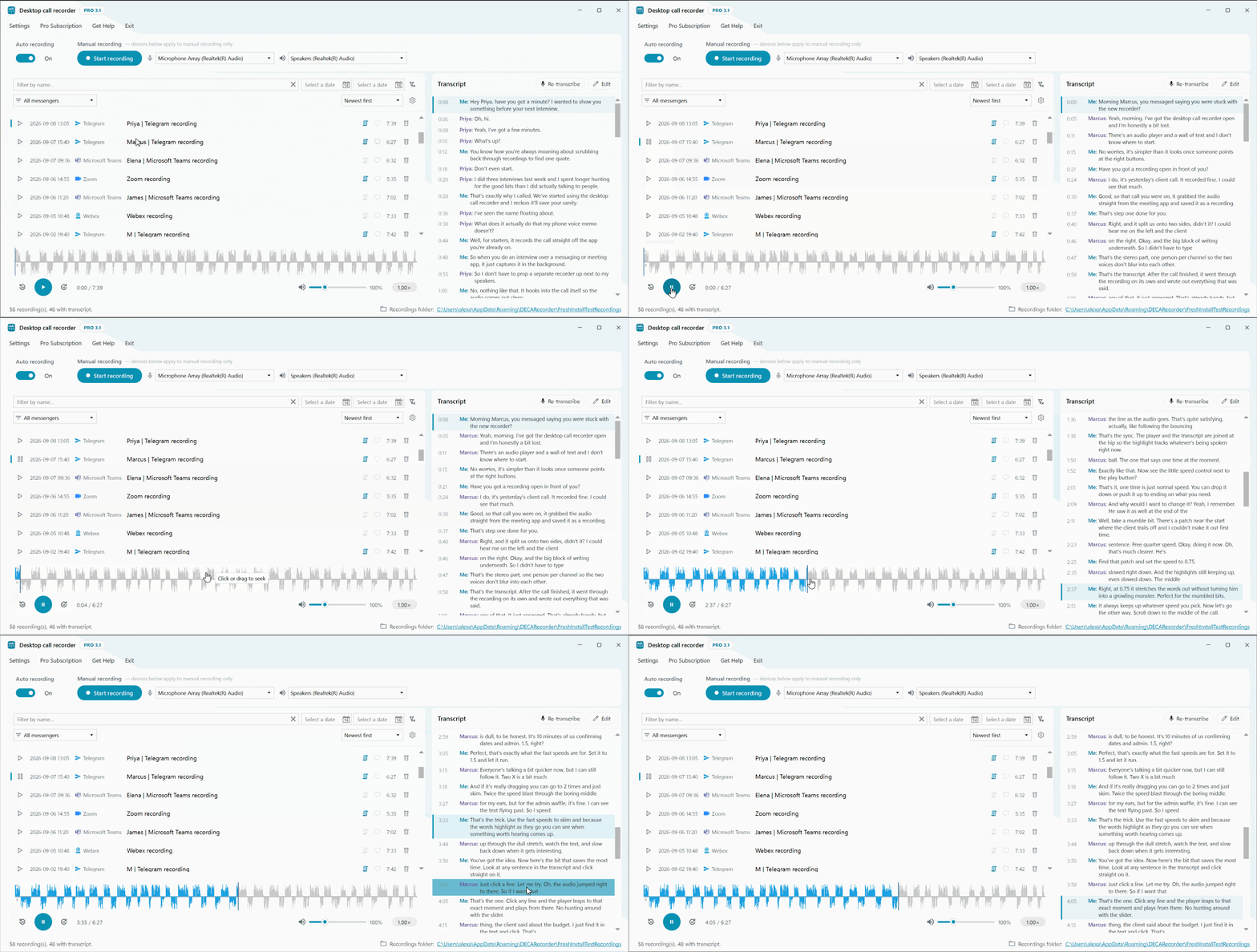
After installation, transcription is manual. Press Transcribe next to any recording and it is transcribed straight away, with the progress shown. One transcription runs at a time. To have every new call transcribed for you, switch on "Transcribe new recordings automatically" in Settings, Transcription. It is off by default. It runs after each new recording finishes and never touches older recordings, which you can transcribe by hand whenever you need them.
If you delete a recording while it is being transcribed, the transcription stops and no transcript files are left behind. A recording still waiting its turn is skipped. If you rename a recording while it is being transcribed, the transcript is saved under the new name.
Choosing an AI model
How accurate the transcript is, and how much of your PC it uses, depends on the AI model. There are three in Settings, Transcription:
| Model | Download | RAM while transcribing | Notes |
|---|---|---|---|
| base (default) | ~142 MB | ~500 MB | Good balance of speed and accuracy |
| small | ~466 MB | ~1.2 GB | Clearly better, still fine on an ordinary processor |
| large-v3-turbo | ~1.6 GB | ~3.5 GB | Most accurate, still fast on the processor. Needs 64-bit Windows |
All three run on the processor. You do not need a graphics card. The language is detected for each side of the call separately, or you can choose one of 37 languages in the same settings.
Downloading a model
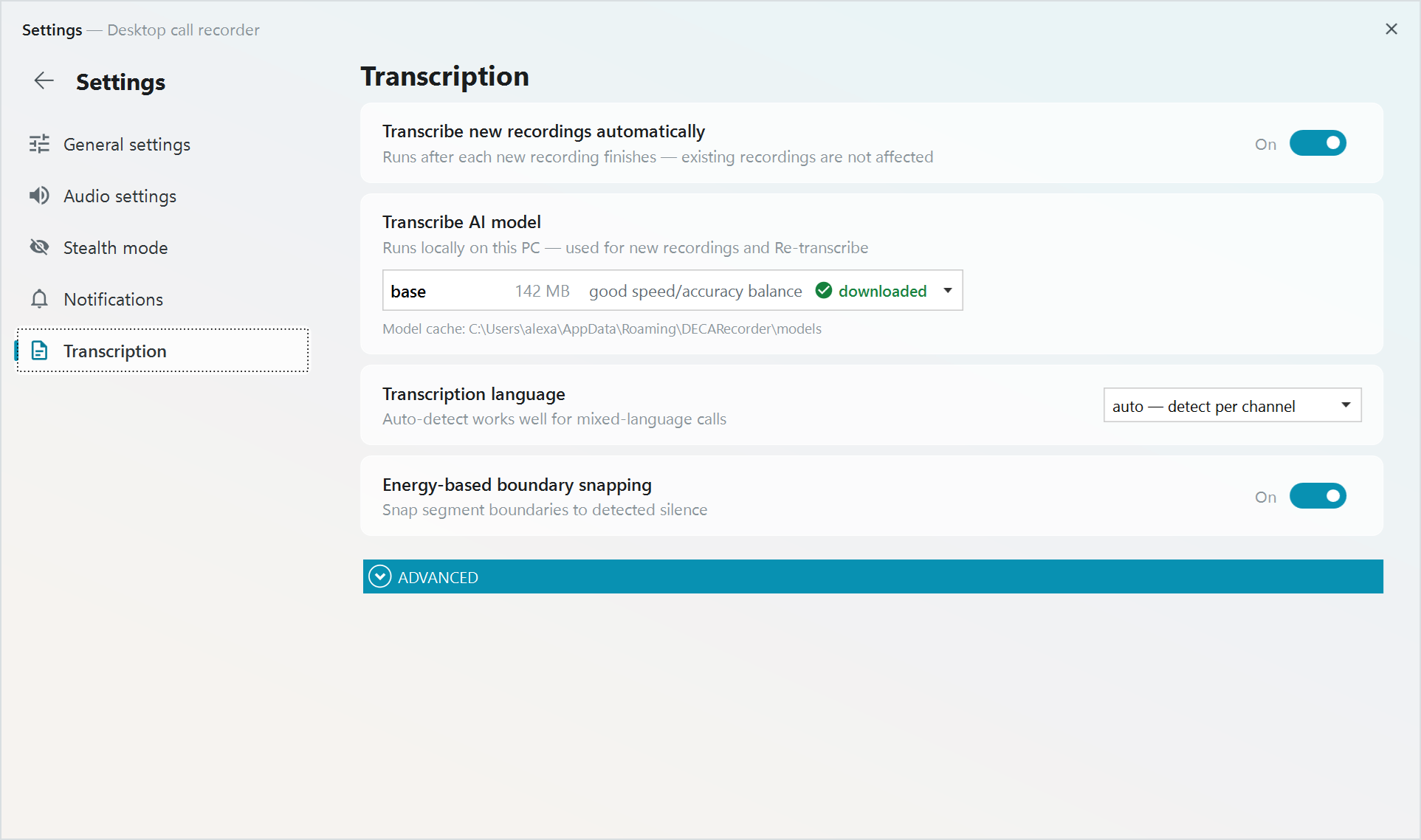
The base model downloads by itself in the background after installation. To use a bigger model, open Settings, Transcription, select the model and press its Download button. When it is ready, the model is marked "downloaded". You can close Settings while it downloads. The download carries on, and when you open Settings again it shows how far it has got. If a model will probably need more memory than your PC has, the app warns you, but the choice is still yours.
Your name in transcripts
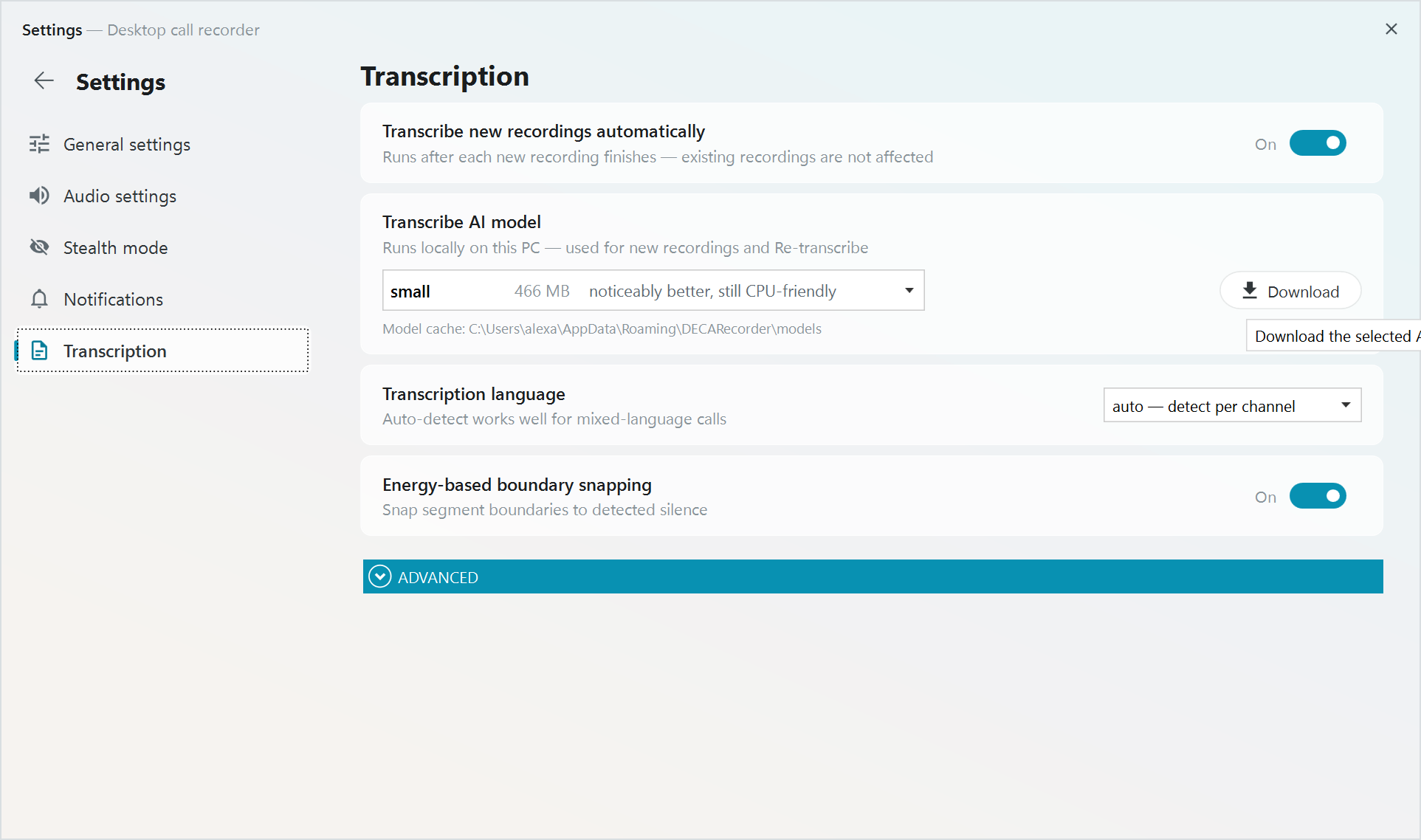
Your side of the call is labelled "Me". To use your own name instead, type it in "Your name in transcripts" in Settings, Transcription. The new label is used for transcripts made from then on. Transcripts you already have keep the old one.
Re-transcribe and edit
The transcript panel has two buttons for a transcript you already have.
Re-transcribe runs the transcription again, for example after you download a better model. It replaces the old transcript and keeps the speaker names.
Edit lets you correct the text line by line, such as a misheard name or term. Press Save when you are done.
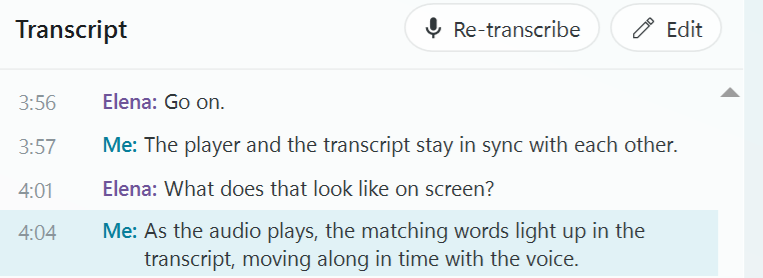
The other three buttons at the top of the panel find text in the transcript, copy the whole transcript, and rename the contact. They are explained on the search and rename page.
Who said what
Every recording keeps the two sides of the call on separate stereo channels, you on the left and the other person on the right. Because of that the transcript can tell the two speakers apart and label every line.
Read along during playback
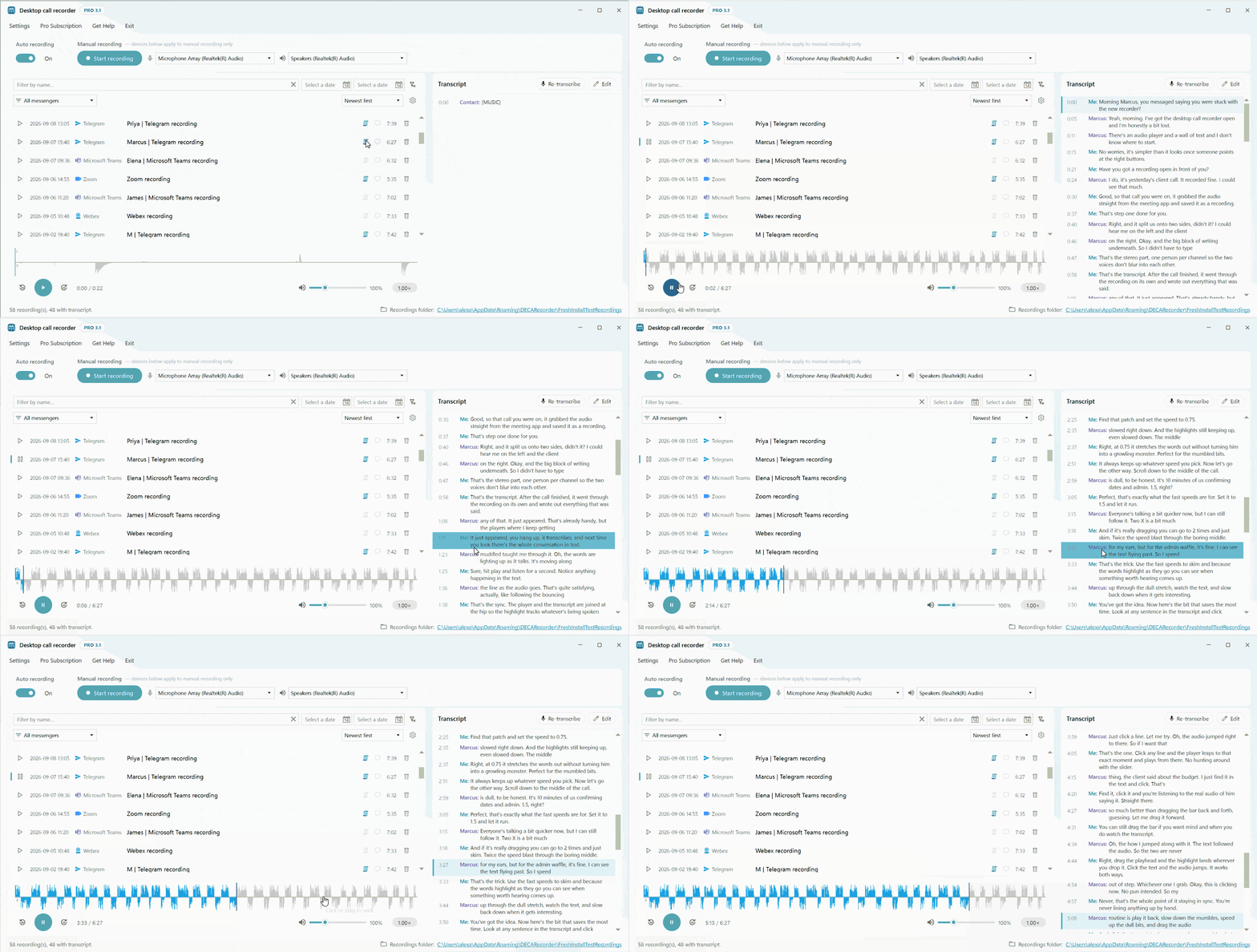
When you play a recording, the transcript follows the audio. The line being spoken is highlighted, and clicking any line jumps playback to that moment. More about this is on the player page.
Where transcripts are stored
Each transcript is saved next to its recording as two plain files with the same name: a text file you can read and a subtitle file (.srt). They are made on your PC and stay there. Your call audio is never sent to an outside transcription service.
The free version transcribes the first 3 minutes of each call. Pro has no limit.